Back to Guides
Device Setup
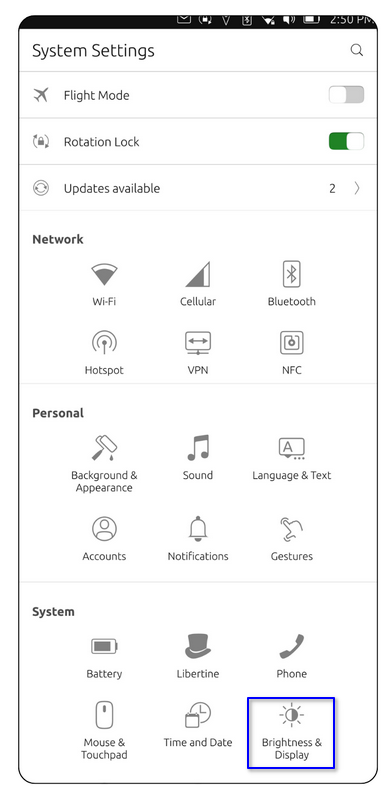
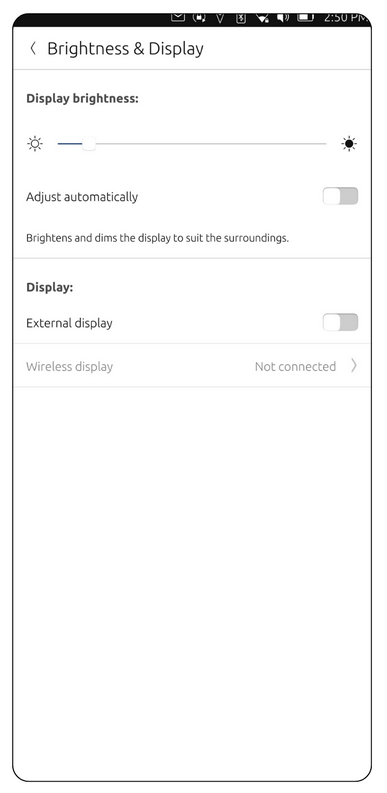
Welcome to Ubuntu Touch. In this chapter, we'll go over basic information such as the navigation gestures, adjusting your brightness, setting your language and other basic settings.
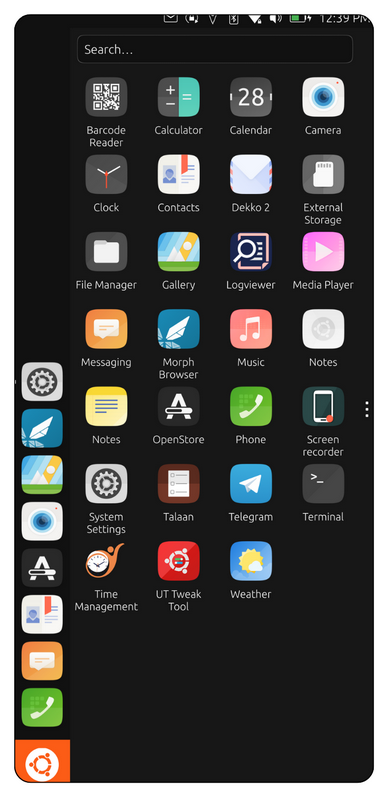
Swipe from the left edge: Opens the App Launcher, which contains all installed apps.
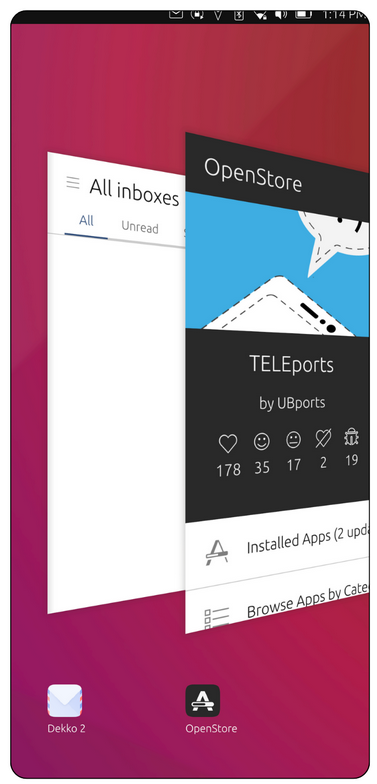
Swipe from the right edge: Switches between recently used apps.
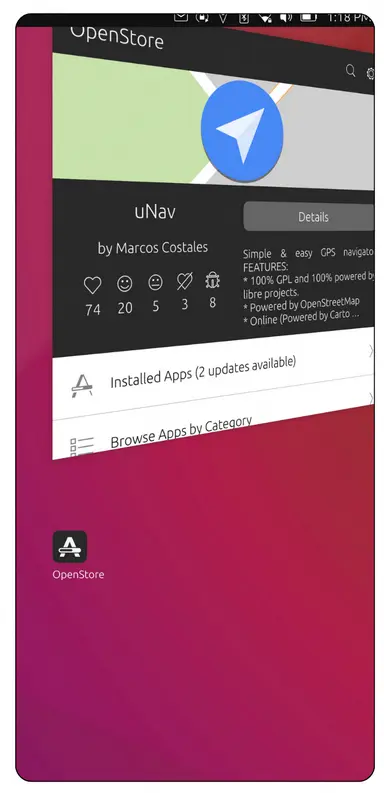
Closing Unnecessary Apps: Swipe left to locate the app you want to close, then swipe up to close it completely.
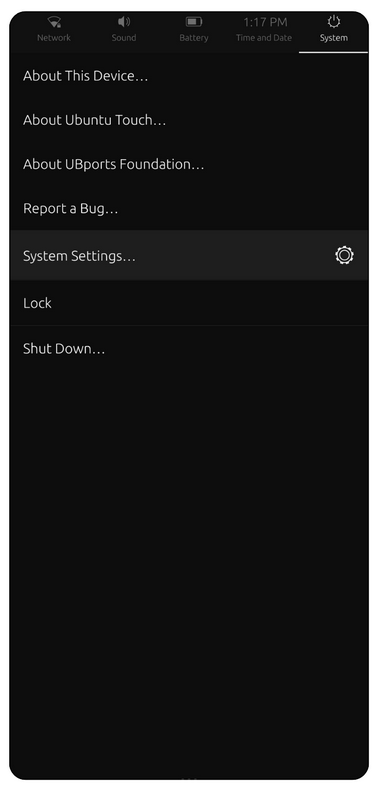
Swipe down from the top edge: Opens quick settings and system indicators such as Wi-Fi, battery, volume, date/time, and notifications.